Ricoh Printer Rental UAE, Best Service center Dubai
Ricoh Printer Rental UAE | Best Service center Dubai
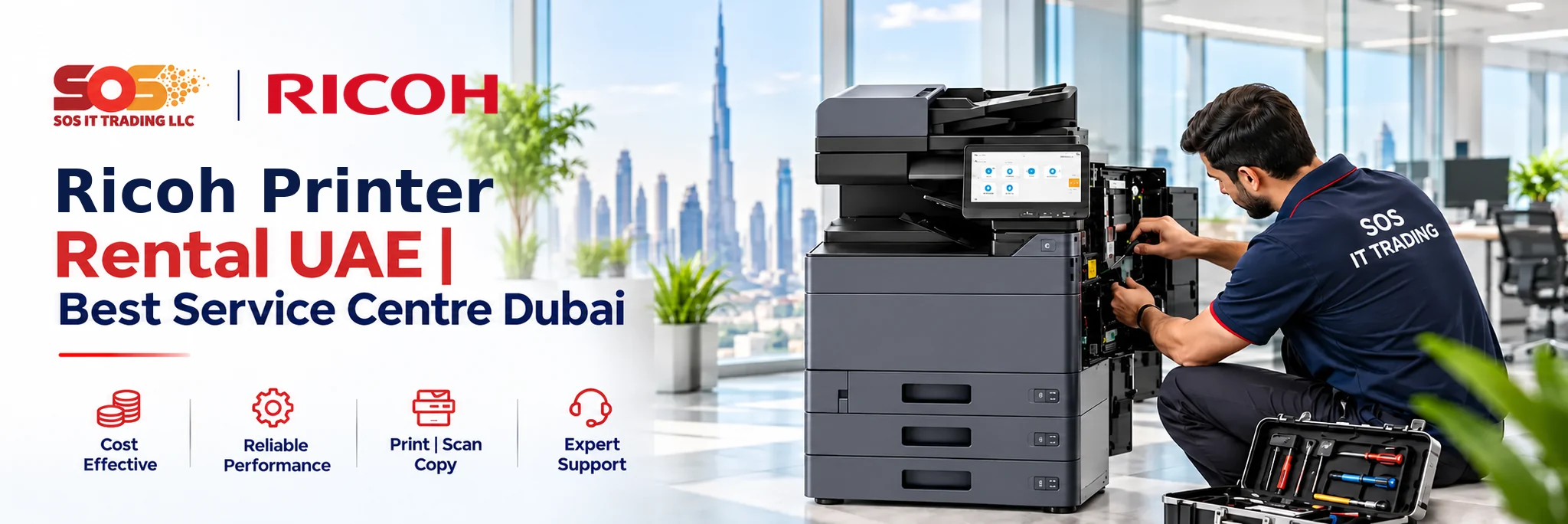
Looking for a Ricoh printer rental for your office or business in Dubai or elsewhere in the UAE? Whether you need equipment for document printing, high-volume office work or a multifunction Ricoh printer for scanning, copying and other tasks, SOS IT Trading can help you explore suitable Ricoh printer rental options. Share your printing requirements, the Ricoh printer model and location in Dubai to enquire about Ricoh printer equipment availability, Ricoh printer service options and a Ricoh printer rental quotation.
Ricoh Printer Rental and Document Management Solutions in Dubai & UAE
Imagine how many pieces of paper are dealt with by an organization within just one week. Contract papers have to be signed, invoices have to be approved, client papers have to be scanned, and departments tend to share printers. It is very hard to cope with this situation if the office printer cannot do it all.
Ricoh multifunction printers were created specifically for companies whose demands are much higher than mere printing. They combine multiple functions of document handling in one device.
For any companies investigating the Ricoh Printer Rental in UAE | Best Service Centre Dubai, the service offered by SOS IT Trading enables them to inquire about their office printing devices without having to buy them outright.
Why Ricoh Multifunction Printers Work Well in Busy Offices
The printer in the office must match the workflow. The legal office could be scanning signed contracts regularly. However, accounting may need to print documents in bulk on paper. They will both require equipment but will have varying needs.
Ricoh provides mono-color printers which are capable of performing multifunctional services. Depending on the selected printer type, it could perform print, copy, scan and manage documentation using the computer network.
Some models in the Ricoh range offer functionalities that include scan-to-folder, user authentication, and secure printing. These could help in situations where many people use the same printer and handle confidential business documents.
Managing Paper and Digital Documents with Ricoh
Printing is not the sole process involved in the management of documents. Once the document has been printed out and signed or approved, it will need to be scanned and distributed to another department.
Ricoh multifunction machines may come in handy in such situations. Some models even enable you to scan documents directly to specific network folders.
Companies that handle confidential information also need to consider access controls. Based on the model and configuration, Ricoh provides options such as authenticated access and secure printing that can be useful for protecting your sensitive documents from the wrong person.
The issue needs to be taken into account when choosing a printer for a company where you have to handle employee or client information.
Which Ricoh Printing Setup Matches Your Office?
Instead of just looking at the speed of the printer, it is advisable to look at the flow of documents within the organization. A smaller organization can have a single device, but a bigger organization may require several devices in different departments.
The table below compares common document workflows with features worth considering.
Office Workflow
Ricoh Capability to Consider
Practical Use
Processing signed contracts
Scan-to-folder
Saving scanned copies to shared storage
Printing confidential records
Locked print
Releasing documents after authentication
Handling large document batches
Automatic document feeder
Scanning multiple pages
Sharing equipment between teams
Network printing
Printing from connected workstations
Preparing client presentations
Colour multifunction printing
Producing colour business documents
Managing staff access
User authentication
Controlling access to device functions
When Should a Business Consider Ricoh Printer Rental?
The company may already have printers but faces challenges like having document queues, running out of paper, or a lack of scanning facilities. In such cases, looking at the existing printer facilities may prove to be more productive than just buying one.
Renting may be worth considering when:
- The departments use one printer: It is possible to choose an appropriate multifunctional printer for various document jobs.
- The number of documents grows: Companies can look at equipment capable of printing more copies and handling more paper.
- The needs of the office change: Companies which do not wish to buy the equipment right away can rent it.
- The need for digital archiving arises: The scanning feature can help with changing from paper archives to digital ones.
Understanding Rental Costs, Maintenance and Support
Before renting a Ricoh printer, you need to know what is included in the contract. The lower cost per month does not necessarily mean that your total printing cost will be minimised.
Ask about the following:
- Rental term: Monthly rental, contract length and extension.
- Toner & supplies: How you want to be billed for supplies; it is different in that supplies may be included or charged separately.
- Servicing: Provisions for regular maintenance and equipment breakdown.
- Technical assistance: How we respond to requests for assistance during the rental.
When this information is disclosed, companies can then more accurately compare quotes and prepare for future printing costs.
Explore Ricoh Printer Rental Options with SOS IT Trading
Selecting the Ricoh printer begins by getting to know your office environment and not by picking out a printer from a catalogue. How many people will be using it? Are your prints in black and white? Do your people need scanning, copying, or access to confidential documents?
SOS IT Trading provides office printing solutions and products for companies in the UAE. If you are a client looking for Ricoh Printer Rental UAE, you may want to know about the Best Service Centre Dubai and can ask about the available products and rentals.
Let us know which Ricoh printer you like and how many pages you will be printing per month, as well as your location in Dubai.
Frequently Asked Questions (FAQs)
1. Where can I enquire about Ricoh Printer Rental UAE services?
Contact SOS IT Trading and tell us which printer you require for your office printing. We can advise on Ricoh printer rental and pricing.
2. Are Ricoh multifunction printers suitable for corporate offices?
Yes. Ricoh offers multifunctional office sharing products including network printers, scanners, copiers and document management functions.
3. Can Ricoh printers scan documents to network folders?
Selected Ricoh multifunction products can offer the scan-to-folder feature. Supported Ricoh multifunction products may have different device and network requirements.
4. Is Ricoh printer rental suitable for legal and accounting offices?
It can be. Workplaces that make use of confidential documents, financial information and sensitive papers may be able to use proper scanning and also safe and secure printing capabilities.
5. How much does Ricoh Printer Rental UAE cost?
Pricing is based on the model, rental period, quantity of printed pages, services included and is determined based on requirements. Please complete this form to get a quotation from SOS IT Trading.
6. Do Ricoh printers support secure document printing?
A number of Ricoh machines have the capability for locked printing and authentication for the user. Find out what security features are available on the model you choose.
7. Does Ricoh printer rental include toner and repairs?
This is determined by the terms of the lease. It is important to verify these terms prior to settling on any agreement.
8. Why contact SOS IT Trading for Ricoh Printer Rental UAE?
At SOS IT Trading, we offer office printing services and will be able to give you information on our products based on your needs.