No products in the cart.
Fix the fault.
Ask about repair options for a printer or photocopier that’s interrupting your work.
- Error messages & failed printing
- Repeated jams & paper-feed faults
- Unusual sounds & hardware issues

Paper jams. Faded prints. Error messages. Get help with printer repair and maintenance in Dubai from SOS IT Trading — starting with your printer model and what’s gone wrong.
Send your printer model, issue and office location.
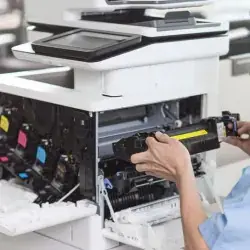
Whether it’s one recurring fault or equipment that needs regular attention, start with the support you need.
Ask about repair options for a printer or photocopier that’s interrupting your work.
Streaks, marks and faded pages deserve a closer look before you order another cartridge.
Discuss maintenance and AMC options around your machines, usage and business needs.
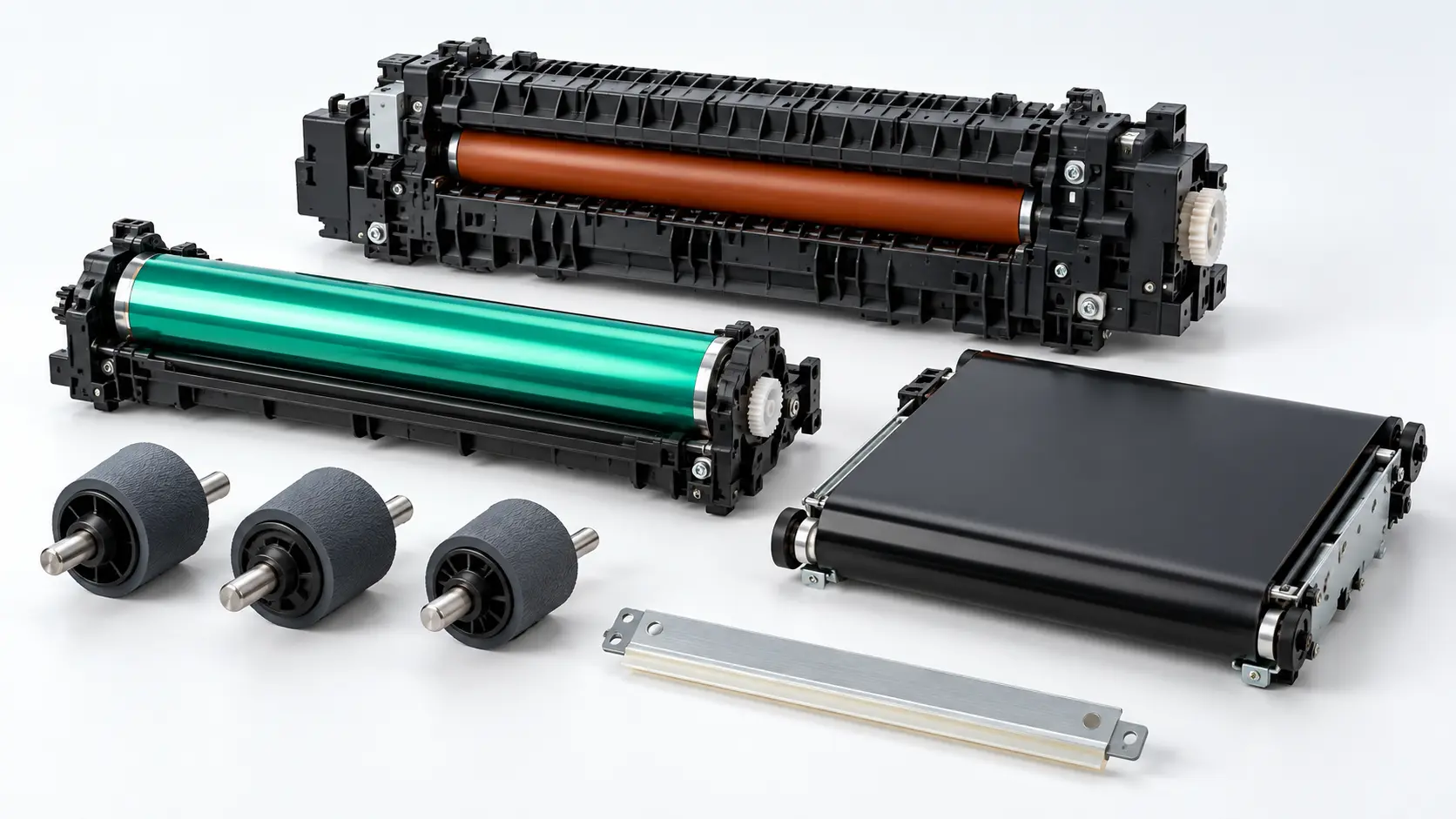
Parts shown for illustration. Compatibility depends on your printer model.
Print problems can involve consumables, worn parts or the printer itself. Share the symptoms so we can help you explore a suitable next step.
An error code or sample print helps explain the fault.
Check compatibility before discussing replacement parts.
Confirm assessment, labour and parts charges before booking.
Your printer brand and model, the issue and your office location. Add the error code if you have one.
Speak with our team about assessment, service availability and any parts that may be needed.
Agree the scope, quote and appointment with the team before going ahead with a service booking.
Have one of these brands? Ask us about your exact model.
Send a repair or maintenance enquiry using the form, or message SOS IT Trading directly on WhatsApp.
MESSAGE US ON WHATSAPP +971 50 879 4734 ↗
Dubai office. UAE enquiries welcome.
Share your area or emirate. Our team will confirm
service availability, visit arrangements and timing
for your location.
Include your printer model, issue, office location and contact number.
Use our contact form to send your service enquiry.
Open contact form ↗Not sure which service you need? Tell us what your printer is doing — we’ll help you start the conversation.
Chat on WhatsApp ↗The cost depends on the model, fault and parts required. Send your model number and symptoms to discuss an assessment and quote. Confirm any inspection or visit charge, labour, parts and VAT before booking.
Yes, you can request an office visit. Include your building and area so the team can confirm whether an on-site visit is available or another assessment arrangement is more suitable.
Share the full brand and model number. Support and replacement-part availability need to be checked for your specific machine.
Contact SOS IT Trading to discuss printer maintenance and annual maintenance contract options. Share the number of machines, their models and approximate usage. Visit frequency, response arrangements, parts and consumables should be confirmed in the agreed scope.
Your name, contact details, printer model, location and a short description of the fault. You can also share a photo of the error message or affected print through WhatsApp. Avoid including confidential documents.
Compare the repair estimate with the printer’s condition, age and expected usage. Ask the team about repair, replacement or rental options if repeated faults are affecting your business.
Send your model, location and what’s going wrong.